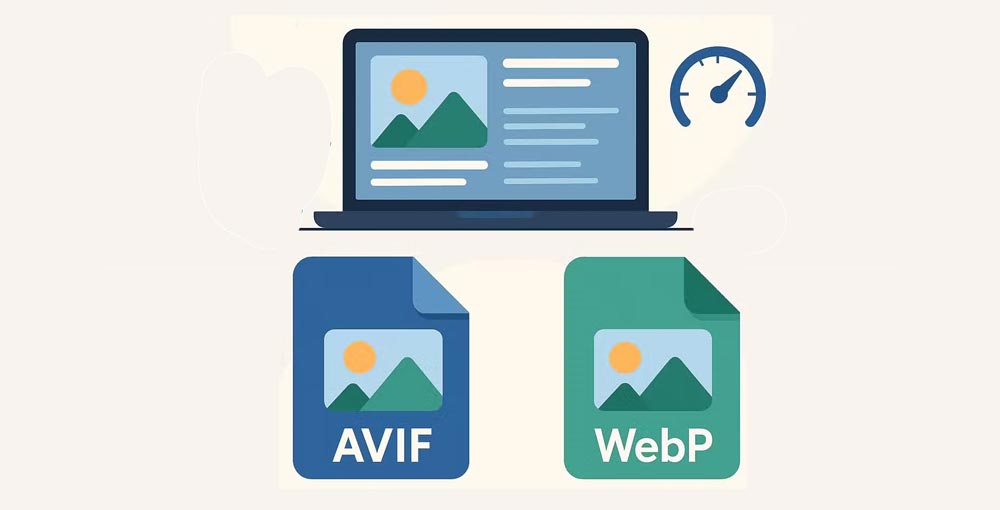
Improving the performance of your website is very important in order to provide a smooth user experience. An easy way to do that is through converting your images into more advanced image formats such as WebP and AVIF. These formats will not only save you on file size but also help with faster loading times.

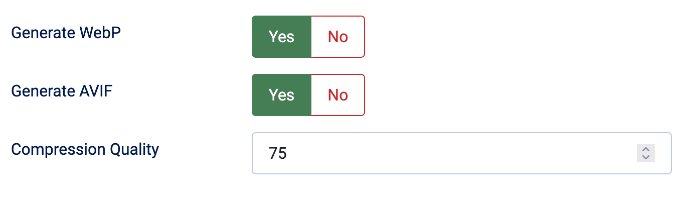

Image optimization is one important process that should be followed by all Joomla sites aiming at reducing page load time and improving user experience. The following are the features of Image Optimizer plugin:
- Ease of Use: An intuitive interface that integrates seamlessly with your Joomla site.
- Automatic Optimization: Convert existing images in your media library.
- Custom Settings: Adjust quality and compression levels to suit your needs.
- Fallback Support: Display Format: All (including jpg) ensure that older browsers that don’t support WebP or AVIF can still view your images.
Plugin Settings
- Generate WebP
- Allow the plugin to create WebP versions of eligible local images.
- Generate AVIF
- Allow the plugin to create AVIF versions of eligible local images. AVIF is disabled by default.
- Display Format
-
- All: provide enabled modern formats in a browser-compatible fallback chain.
- Only WebP: replace the image source with WebP when a WebP version can be generated.
- Only AVIF: replace the image source with AVIF when an AVIF version can be generated.
- Compression Quality
- A value from 1 to 100 used when creating converted images. Higher values preserve more visual detail and usually produce larger files. The default is 82. Changing this value creates a new cache variant.
- Delete Cache
- Remove all WebP and AVIF files generated by this plugin. They will be created again as needed on subsequent frontend requests.
How it works
- On frontend requests, the plugin examines article content and the rendered page output for
<img>elements. - It processes local images only. Remote images, data URLs, missing files, and unsupported image types are left unchanged.
- When a modern version is needed, the plugin creates it on demand and stores it below
cache/mximageoptimizer/. Existing cached versions are reused. - In All mode, the browser receives a
<picture>element with WEBP first, AVIF second, and the original image as the fallback.
Conversion is performed only when the server has a compatible image library or command-line converter. If conversion is unavailable or fails, the original image remains in place.
Download include: Image Optimizer Joomla Plugin.