
Images Lines Drawing: Give Your Joomla Images an Artistic Finish
Photography gives a website its soul. Use Images Lines Drawing to make your images even more than illustrations – turn them into part of the visuals of your website.
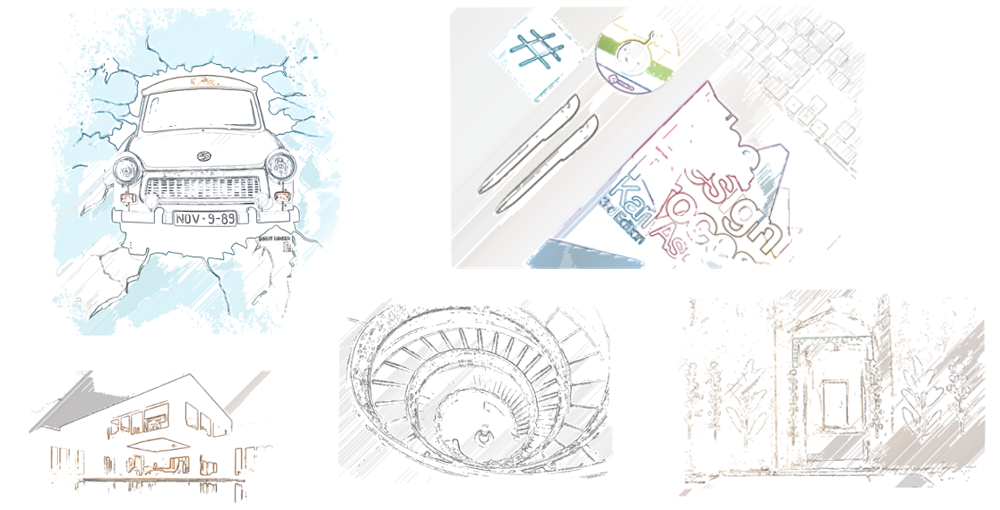
Images Lines Drawing is a Joomla system plugin that brings an artistic touch and animation to images on the frontend of the site. Instead of applying the same treatment to all photos on the website, use a unique combination of hand-drawn look, watercolors effect, distinct silhouettes and even animated outlines to add more character to your site.
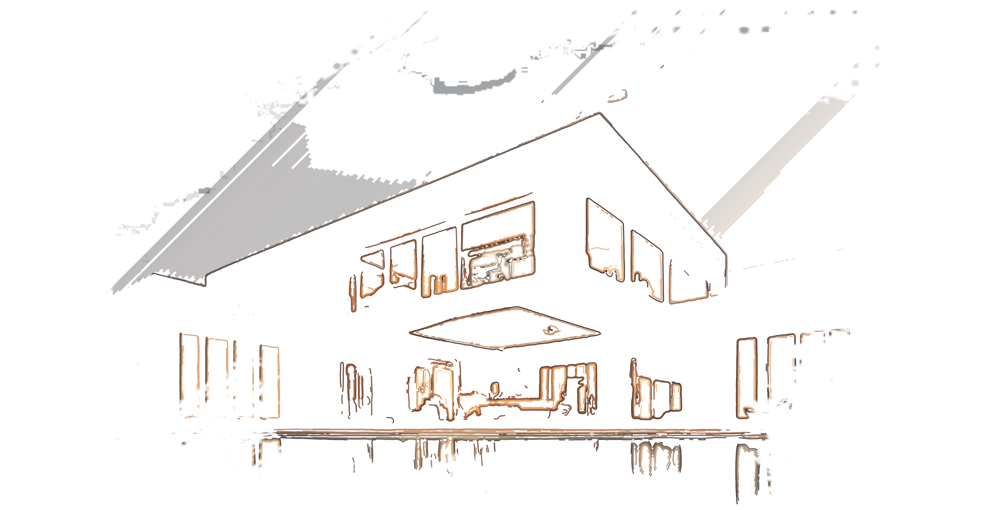
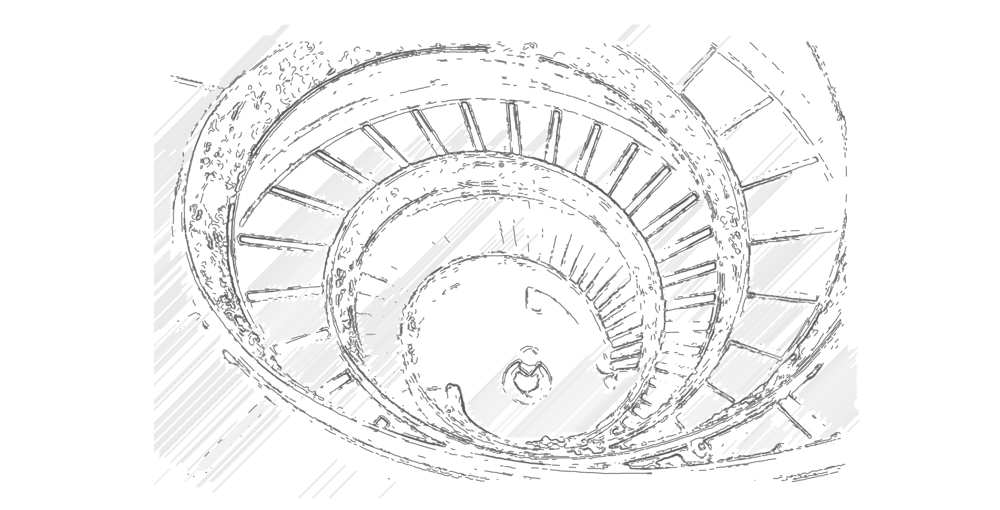
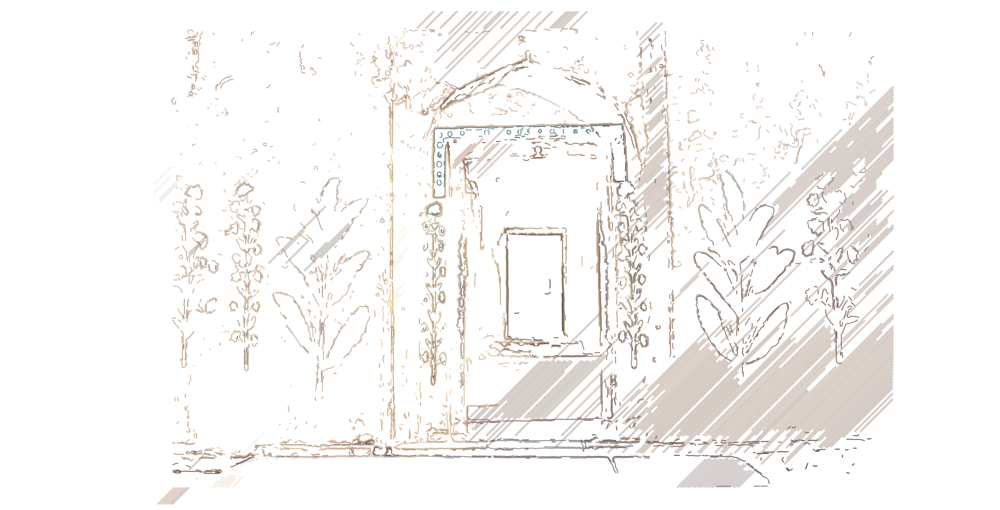
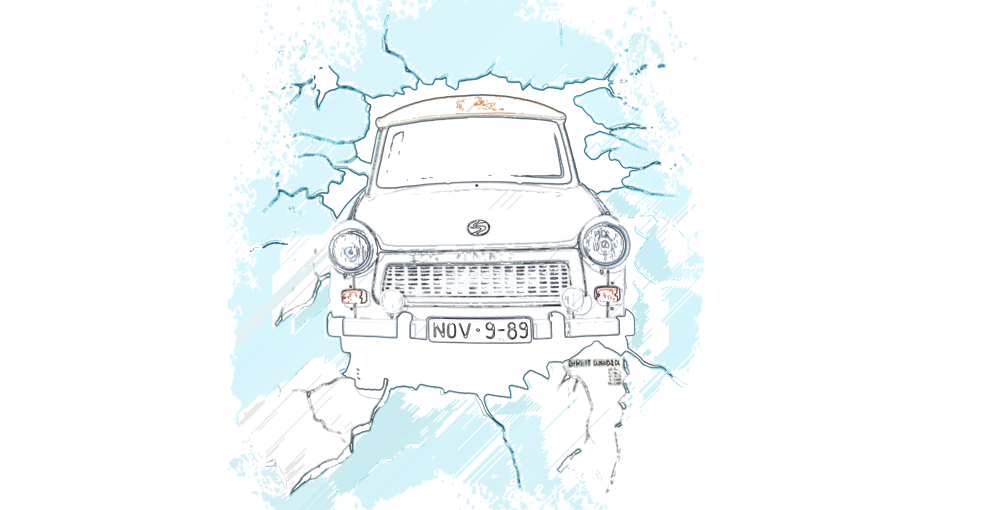

Bring the reveal to life
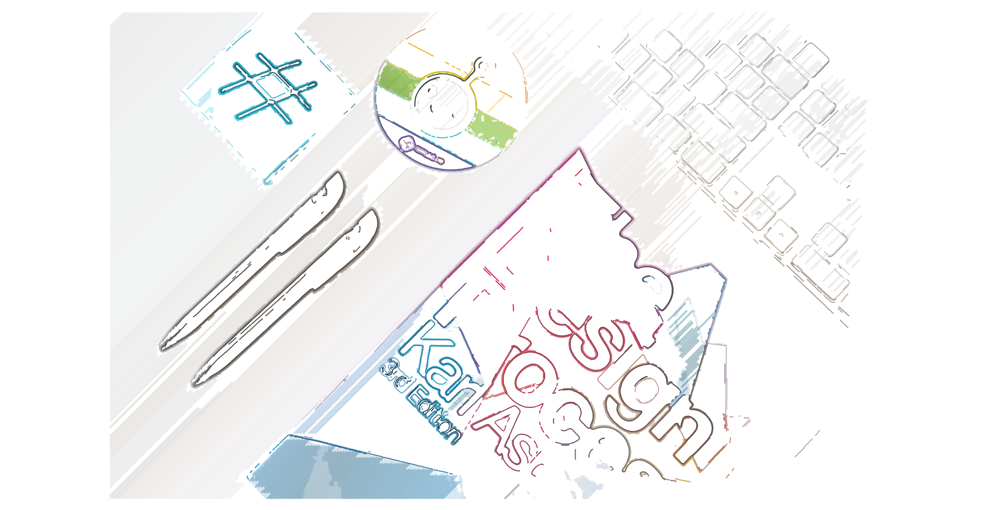
An optional animated SVG path around the edges draws the contours of an image before presenting it to your audience. It is possible to adjust stroke thickness and the animation duration, along with the drawing color for contour strokes if the drawing style was chosen. The other animation type allows the image to reveal itself from the center. They may be selected independently from each other or even both at once.
There is an option to show a photo of an individual upon hover.
A global design approach, with flexibility
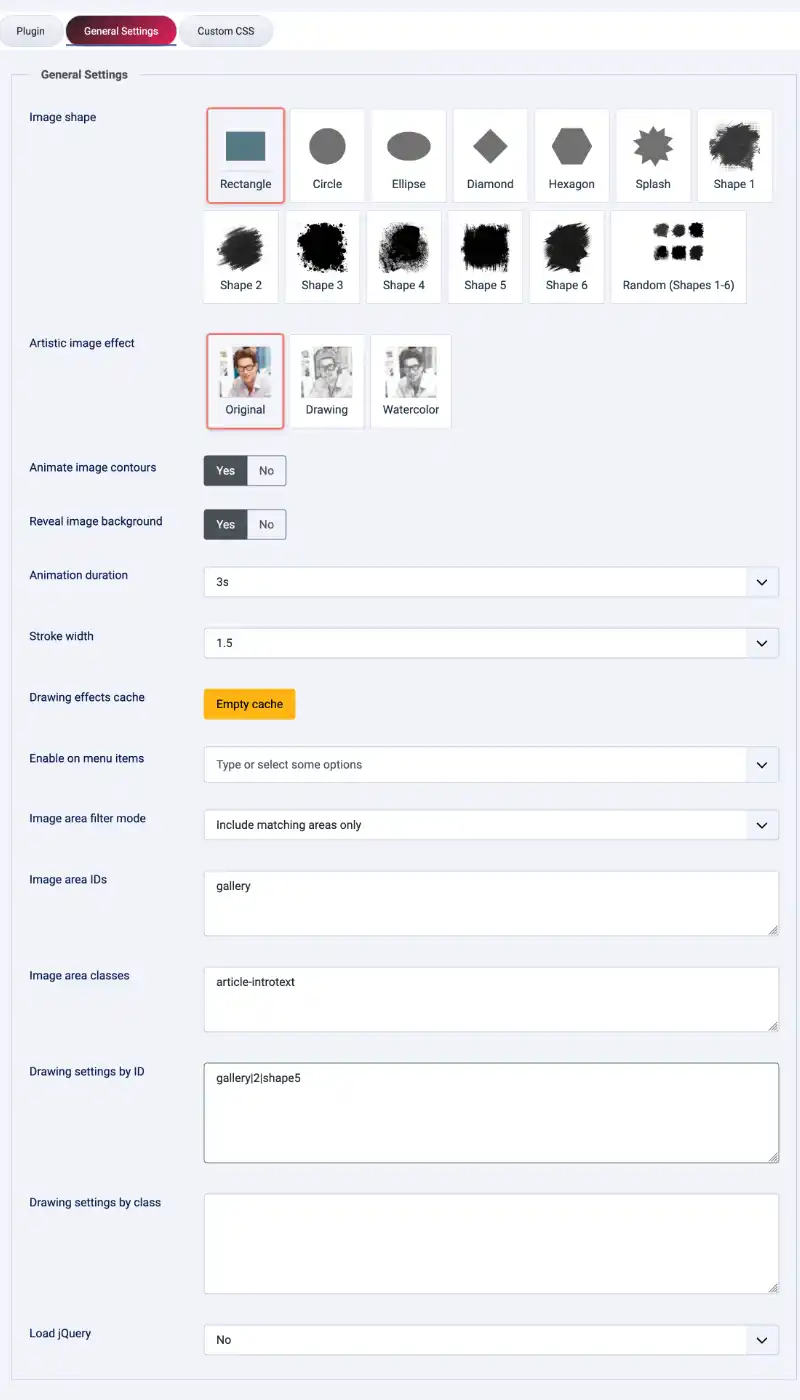
Designate the default effect and the default shape to your page, and use image area filters to determine the areas where the effect should work. Exclude certain areas to avoid modifying them, or change to include only mode when you want a certain effect to be applied to only certain areas within a page. Choose the menu items where the effect will run on the site based on Joomla menu item IDs.
In case there is a need for variations of the effects in various sections, apply overrides through specifying element ID and class names. Say you can have a circle effect used on ID while watercolor effect is applied on gallery classes with a provided mask file. The rule for each particular override would be something like:
team-portraits|1|circle
ID rules will prevail over class rules, and the best match among class rules will be used otherwise. The images that don’t have any corresponding overrides will fall back to the global configuration.
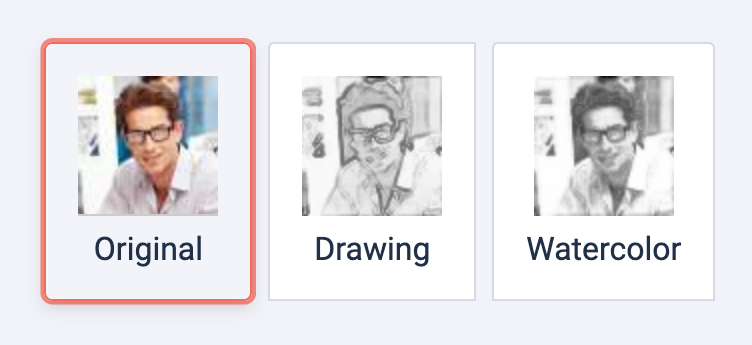
From original photography to drawn or painted look
There are three image effects offered by the plugin. Leave the photo original, recreate it using the drawing effect, or turn it into watercolor. You can choose sepia or white look for a drawing and adjust the strength of the effect, making it either very noticeable or almost imperceptible.
This way it is really easy to pick an effect depending on both the subject matter and style of the web page.
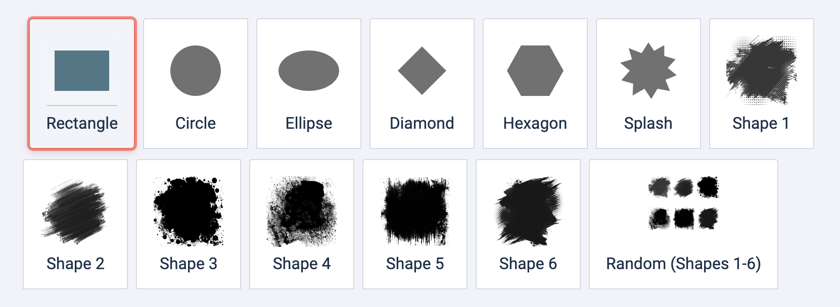
Shapes for better-looking images
Images don't necessarily need to follow a classic rectangle shape.Circle, Ellipse, Diamond, Hexagon, or Paint-Splash masks are available along with six other provided silhouette masks. Selecting the random shape adds an interesting element to each design by varying the mask from image to image.
Silhouette shapes work with the original image and with drawing or watercolor designs as well, allowing you to create a unique framing without touching the image itself.

Customizable site content presentation solution
With the help of Images Lines Drawing, create more personalized group pictures, provide the hand-made feeling to the portfolio or any other specific visual touch to selected images. As the plugin allows editing effects and shapes both for the whole site or per page areas, it is possible to create consistent overall image presentation as well as more customized composition.
Start your work from using just one effect and shape, use only required animations and set the necessary rules for page areas. Thus, you will create more meaningful image presentation, which already exists on the Joomla site.
In short: Images Lines Drawing provides a variety of original effects, drawing techniques, watercolor effects along with masks for images, animation options and area rules for Joomla front-end.