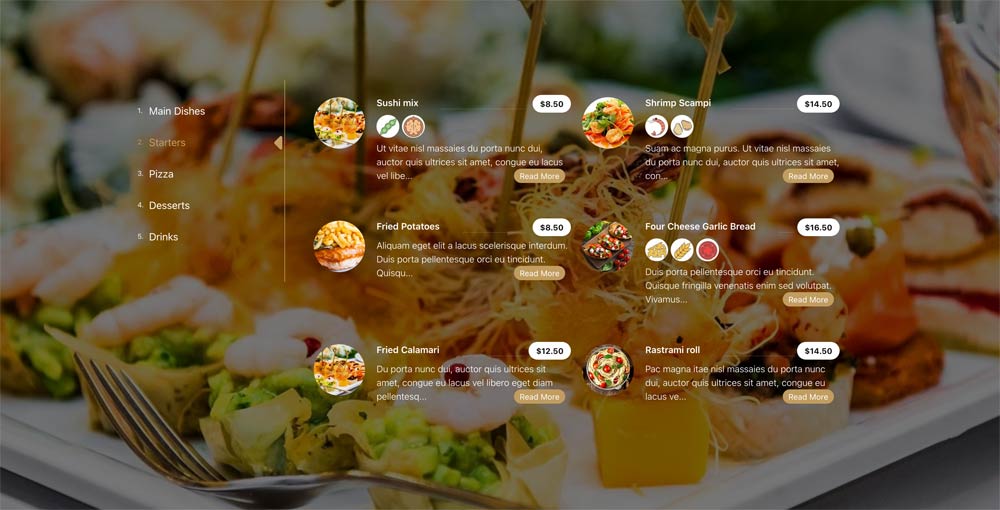

Mx Menu Creator is a powerful Joomla component designed for creating and managing restaurant menu items. It provides an intuitive interface for administrators to add items with images, descriptions, allergen, pricing, and categorization, while offering flexible display options for the frontend.
In the package is included also a module which loads all the styles of the component plus slider style, that can be viewed in this link. This module is not menu creator module which can be purchased as module.
Documentation
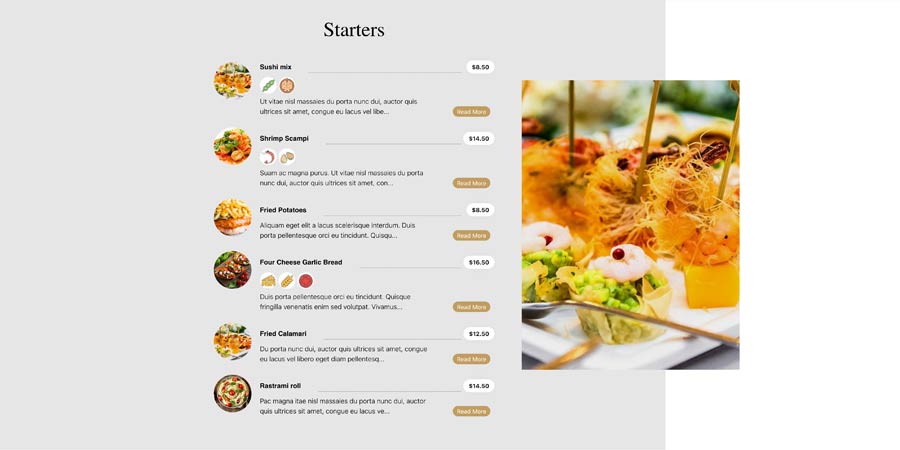
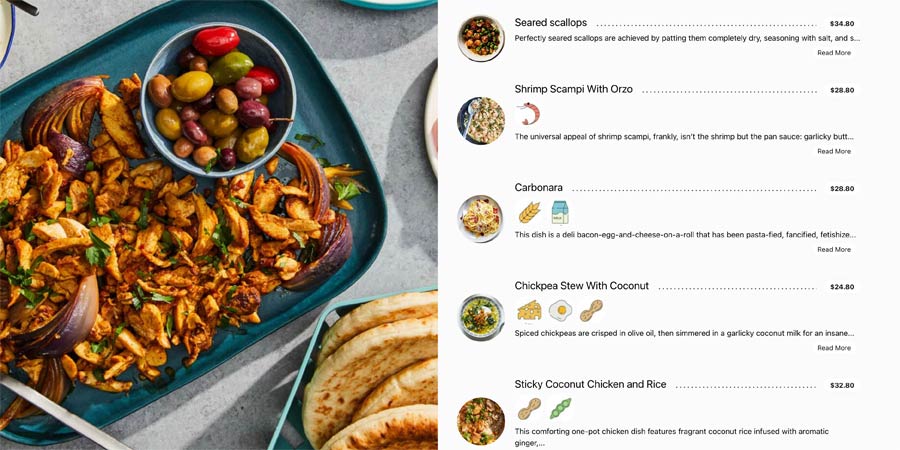
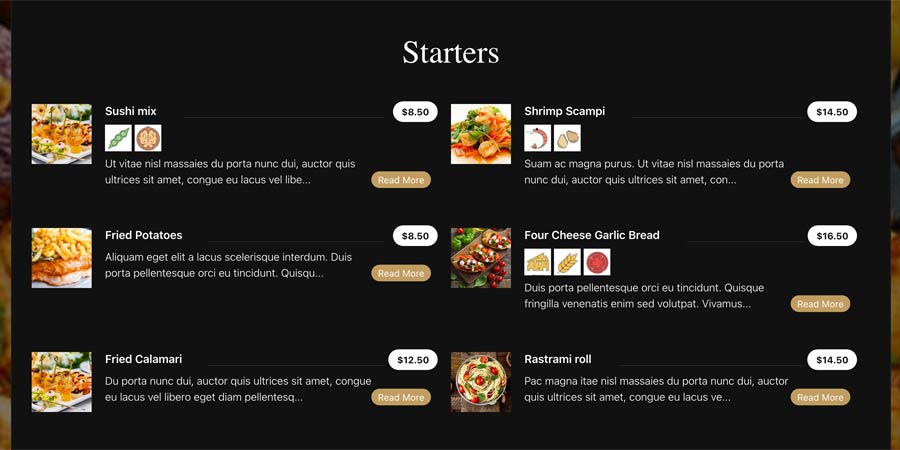
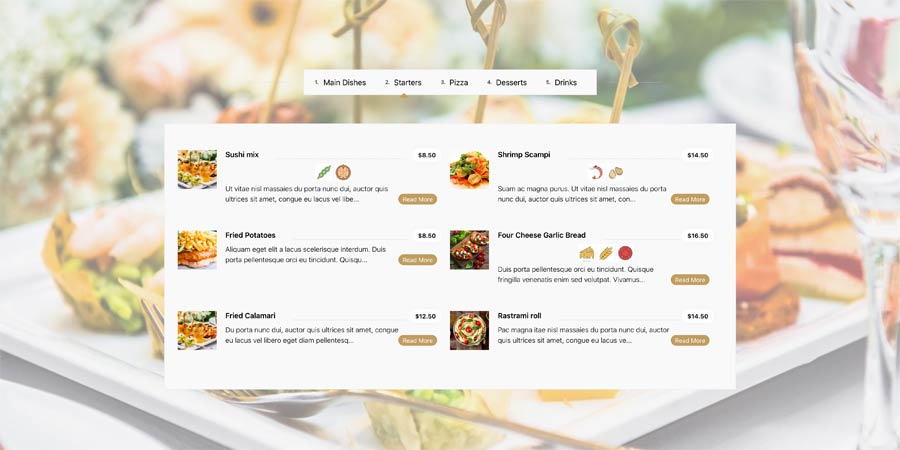
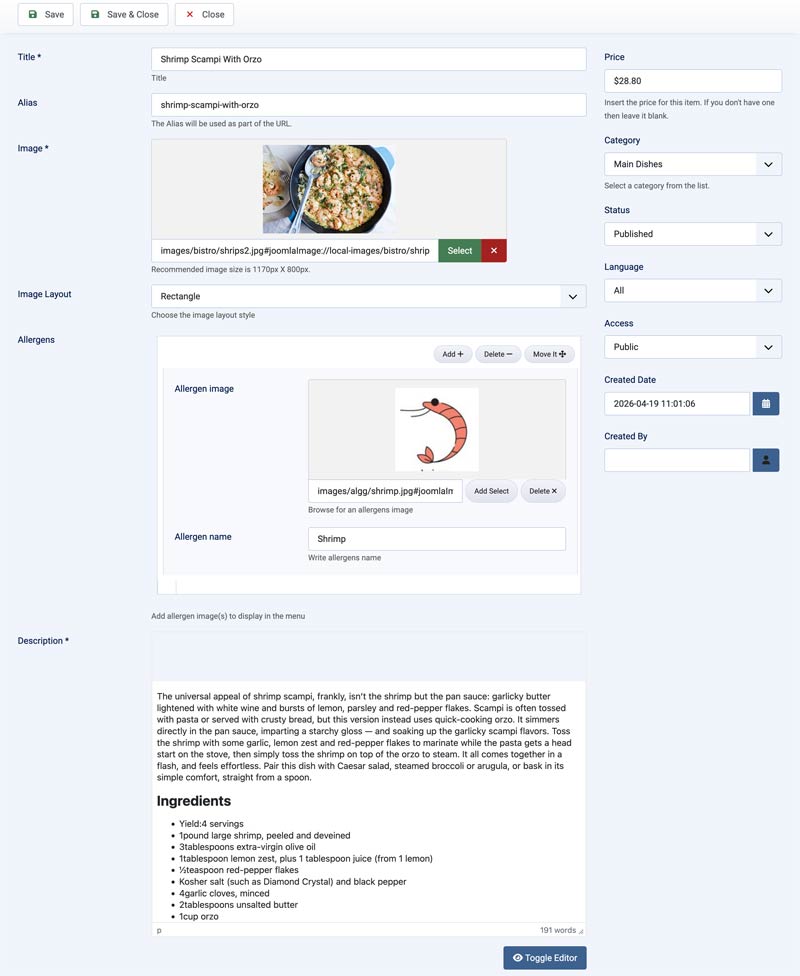
Item Options
- Title: The name of the menu item (required).
- Image: Upload or select the main image for the item (required).
- Image Layout: Choose the layout (Square, Rectangle, Tower, or Original).
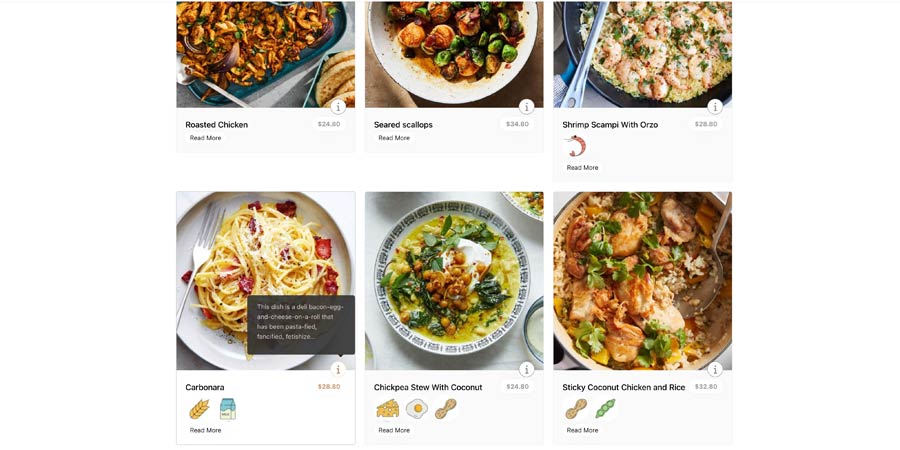
- Allergens: (Optional) Add allergen images and the title using the subform (add/remove/move buttons). Unlimited Allergens.
- Description: Detailed description of the item (required). Use the editor for formatting.
- Price of item (Optional)
- Select a category
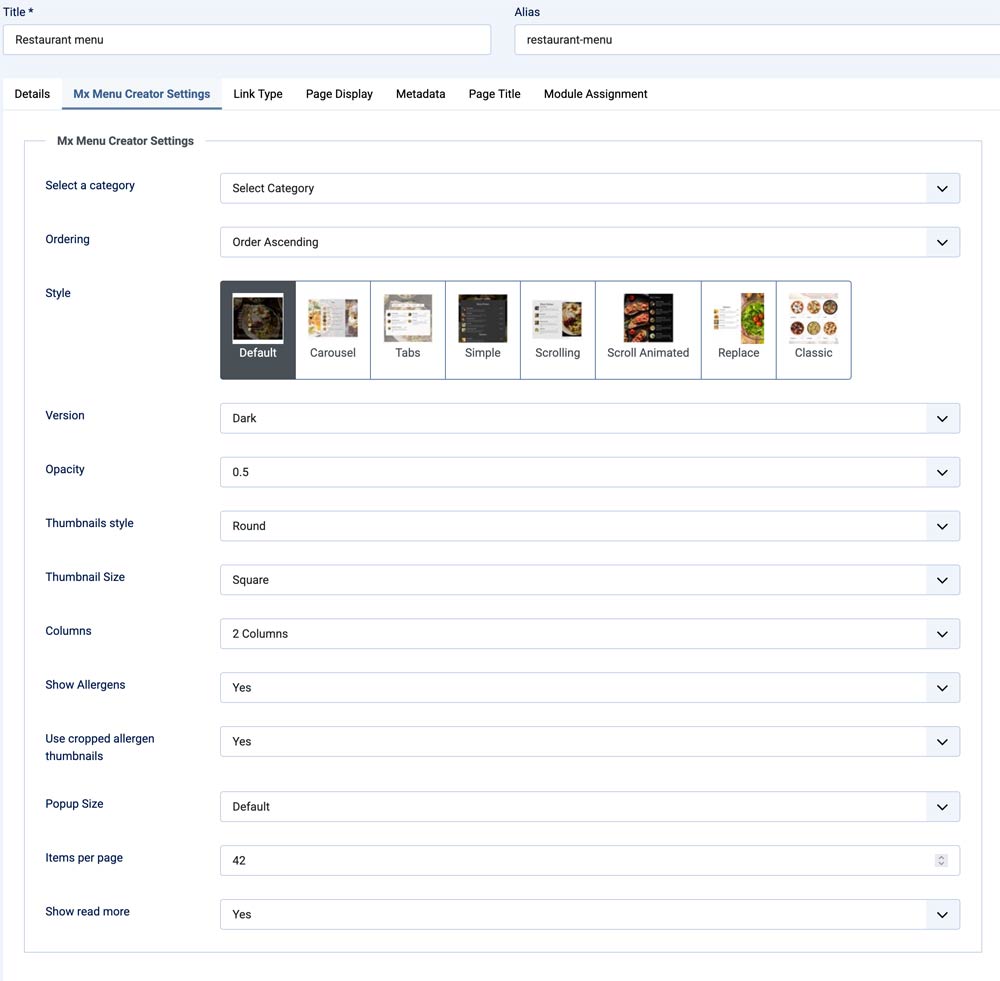
Menu item View Settings
- Category: Choose to show items from all categories or a specific one.
- Ordering: Select how items are ordered (e.g., by creation order, title).
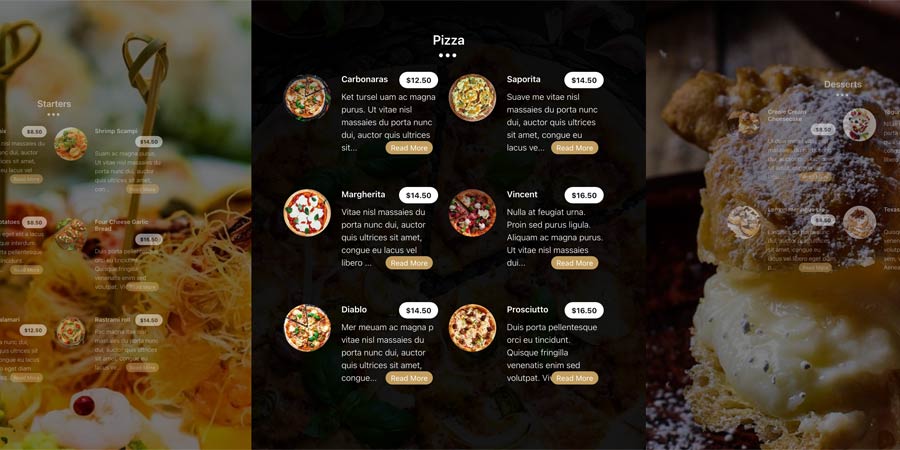
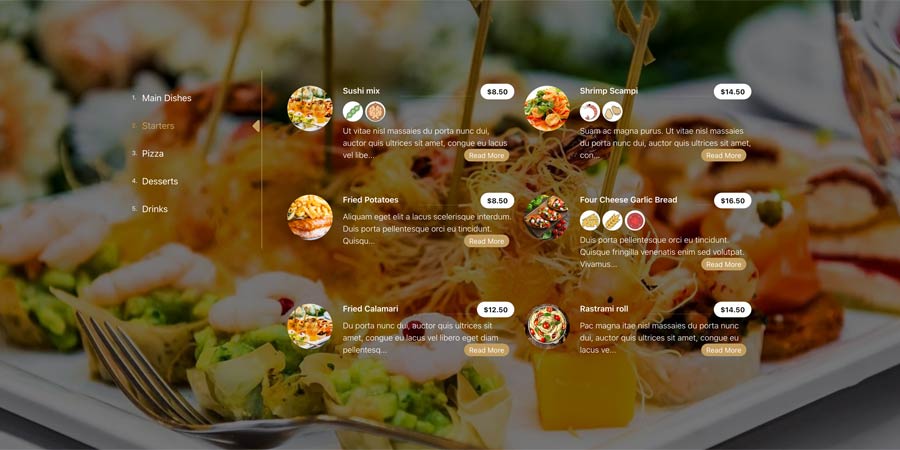
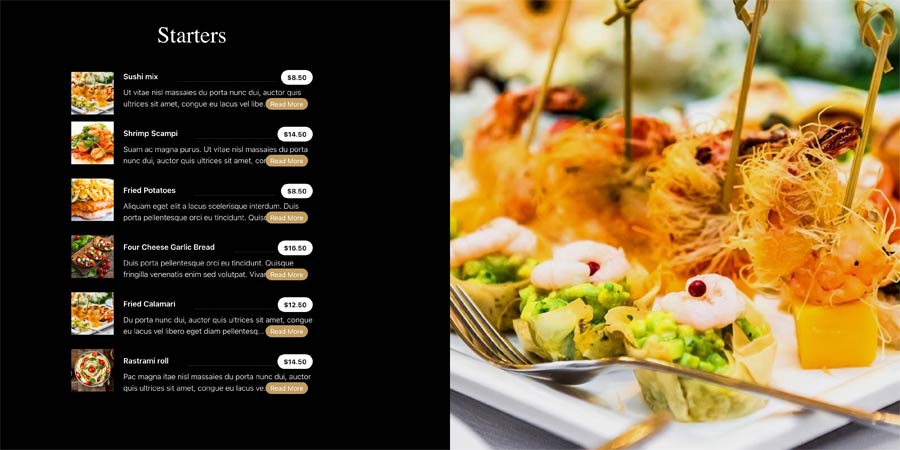
- Style: Choose the layout style (Default, Carousel, Tabs, Simple, Scrolling, Animated, Replace, Classic).
- Version: Select Dark or Light theme.
- Columns: Number of columns to display (1, 2, or 3).
- Limit: Maximum number of items to show (default: 12).
- Item Height: Set height for carousel style (various options like 600px, 80vh).
- Opacity: Background opacity for overlays (0.1 to 0.9).
- Thumbnail Style: Square or Round thumbnails.
- Thumbnail Type: Masonry or Square layout.
- Show Allergens: Enable/disable allergen display.
- Use Allergen Thumbnails Use thumbnails for allergens (if enabled).
- Popup Image: Image layout for popups (Default, Square, Rectangle, Tower).
- Show Readmore: Enable/disable readmore links.








Download include: Menu Creator Component.