

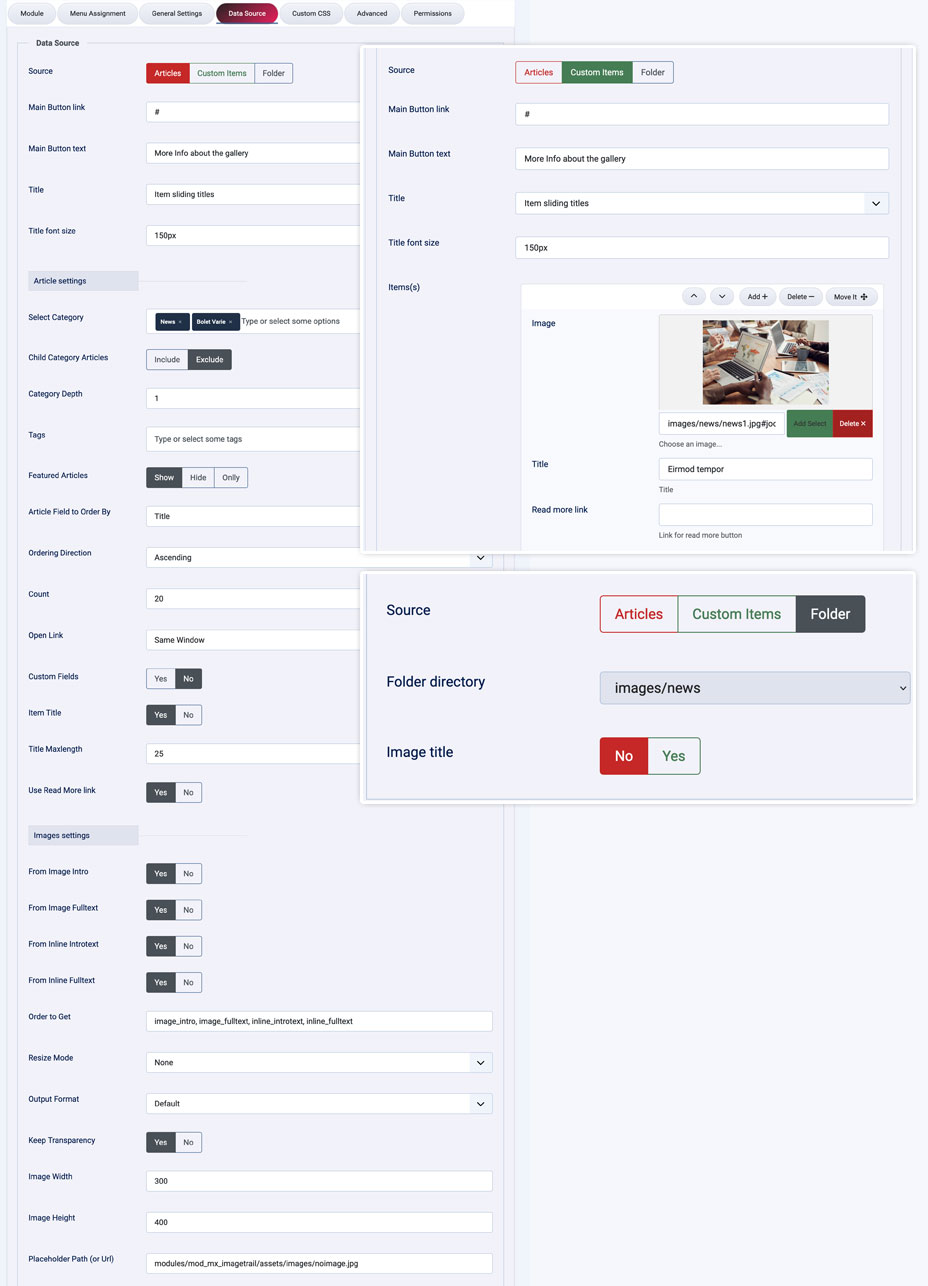
Data Source:
Articles
- Select Category
- Child Category Articles
- Category Depth
- Tag Filter
- Featured Articles
- Article Field to Order By
- Ordering Direction
- Count
- Open Link - New Window / Same Window / Popup window
- Item Title - Yes / No
- Title Max length
- Show Read More - Yes / No
- Images settings
- From Image Intro - Yes / No
- From Image Full text - Yes / No
- From Inline Intro text - Yes / No
- From Inline Full text - Yes / No
- Order to Get
- Resize Mode
- Image Width
- Image Height
Custom Items
- Select Image
- Title
- Read more link
Folder
- Select the root of the folder
- Display photos Title - Yes / No
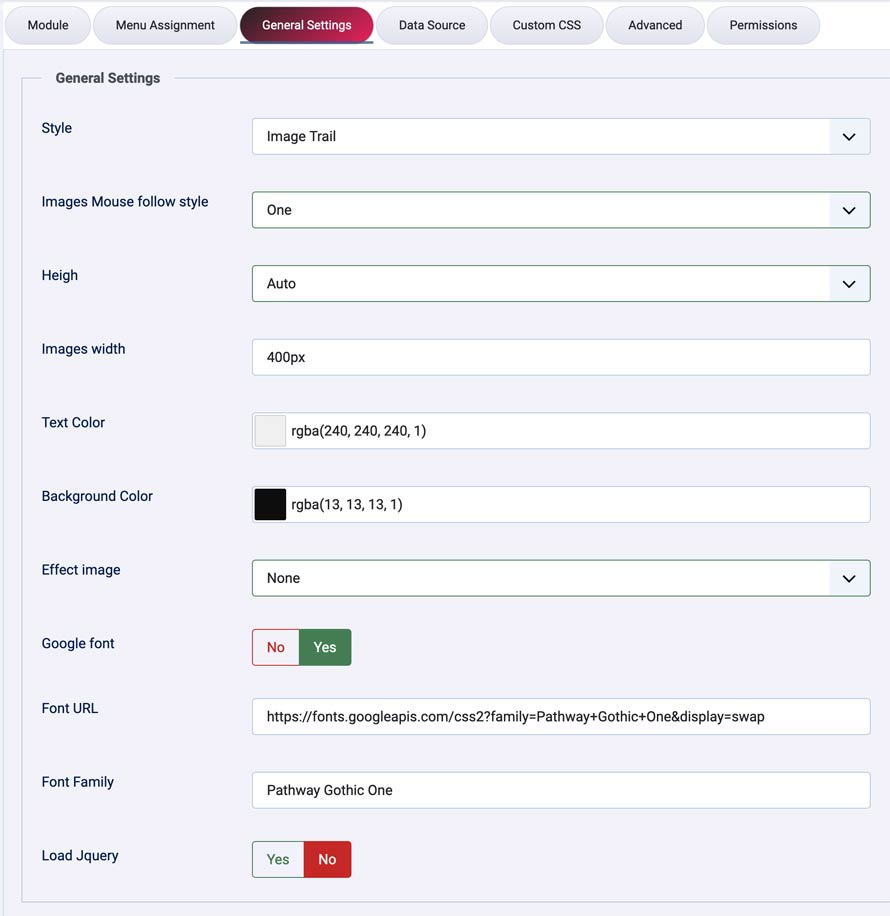
Main settings
- Main Button link
- Main Button text
- Titles to display - Item sliding titles / Custom Title
- Title to display
- Title font size
- Images Mouse follow - Six styles
- Slider Height
- Images width
- Text Color
- Background Color
- Effect image - None, Grayscale, Blur, Sepia, Contrast, Brightness, Invert, Saturate
- Google Fonts - Yes / No
- Google Font url link
- Google Font Name
- JQuery - Yes / No
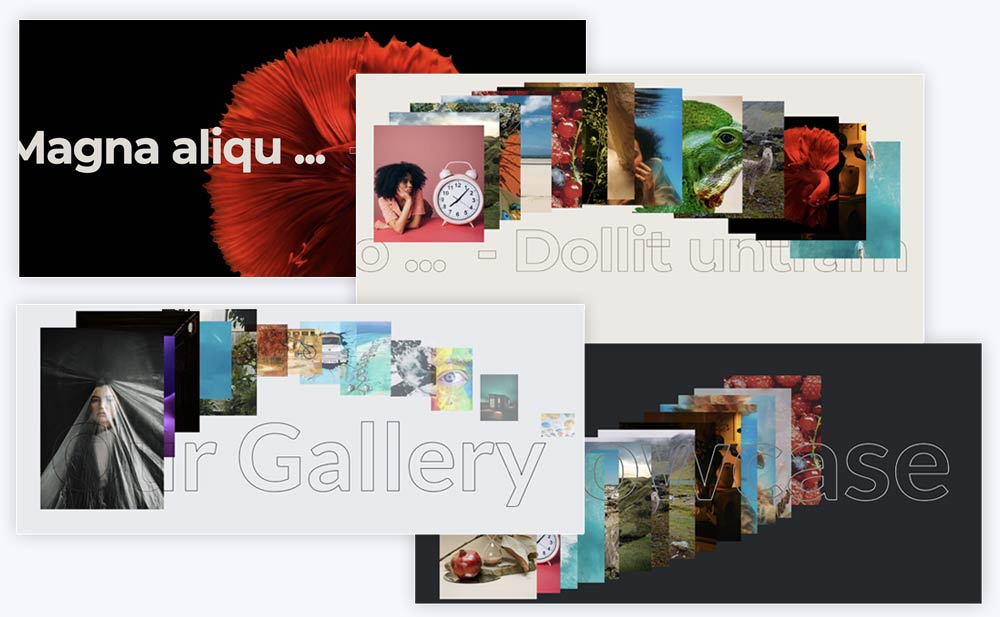
Download include: Image Trail module.