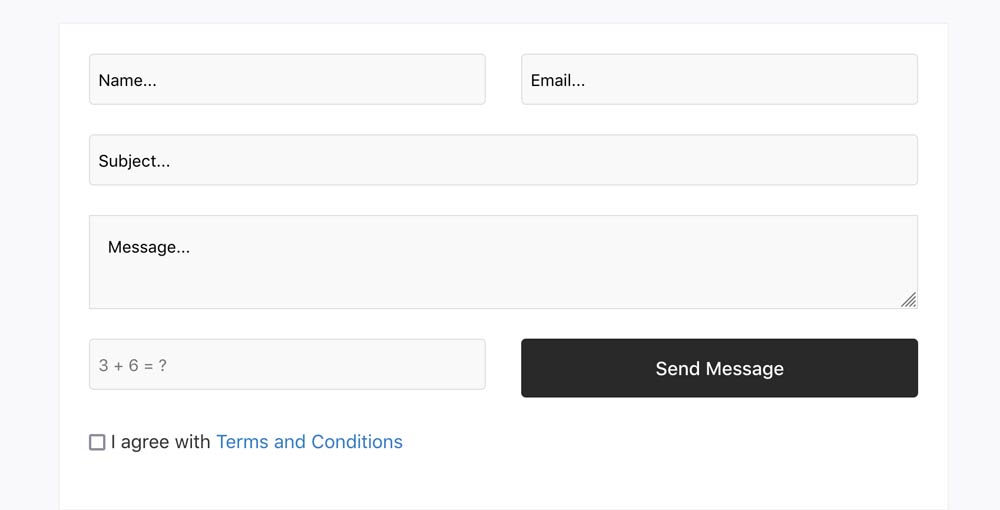
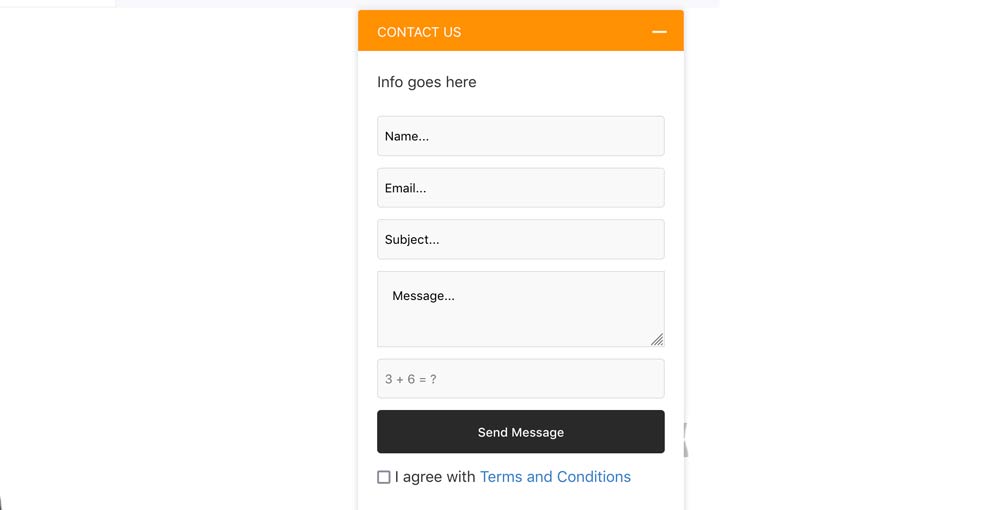
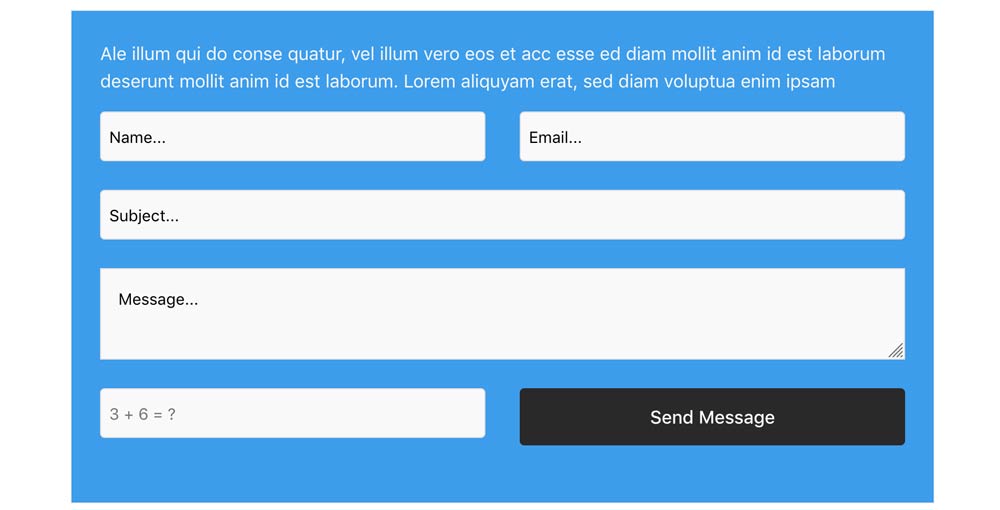
Quick contact module allows to add a custom contact ajax form in any pages you want in your website. The module has Seven styles: default, style one, style two, with image, with image background, popup and popup v2 which will show the form in modal mode. The popup is very handy to use it in every page of your joomla website.

Settings
- Agree with terms and condition - Yes/No
- Terms and condition link
- Agree with Privacy Policy - Yes/No
- Privacy Policy link
- Display I consent - Yes/No
- I consent text
- Open links in new windows - Yes/No
- Pre-Text
- Title Text ( for popup )
- Style ( Default / Style one / Style two / With Image / With background image / Popup / Popup v2 )
- Image for styles With Image and With background image
- Image position - Left / Right
- Parallax effect for image - Yes/No
- Background style for Popup v2 ( Light / Dark / Faded dark / Gradient red / Gradient blue / Gradient green / Gradient purple )
- Text Color
- Background Color
- Css Fix - Yes/No
- Admin Email
- Notice Sendmail Success - Text
- Notice Sendmail Failed - Text
- Enable Captcha - Yes/No
- Captcha Question - Text
- Captcha Answer - Text
- Wrong captcha warning text - Text
- Custom CSS

7 styles
The module comes with seven styles Default, style1, style2, with image, with background image, popup and popup v2.
Download include: Quick contact module.