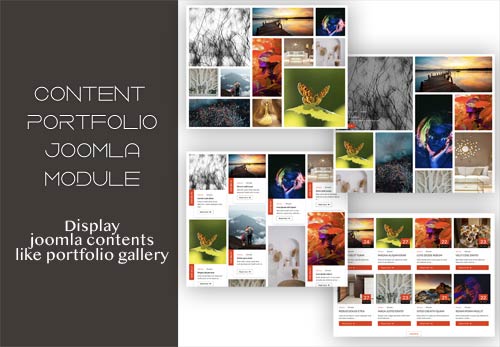
Elegant Gallery module displays joomla content, custom items or images from a folder in many beautiful layouts. Displaying articles, has the option to use tags or categories filter. Filter is in two styles, popup and classic version. Turn your articles in a Elegant Gallery. In custom items you can chose to display photos, youtube or vimeo videos. In source "Folder" loads images and videos from the chosen folder and from subfolders inside that folder. It has the option to create thumbnails and crop images with sizes of your choice.
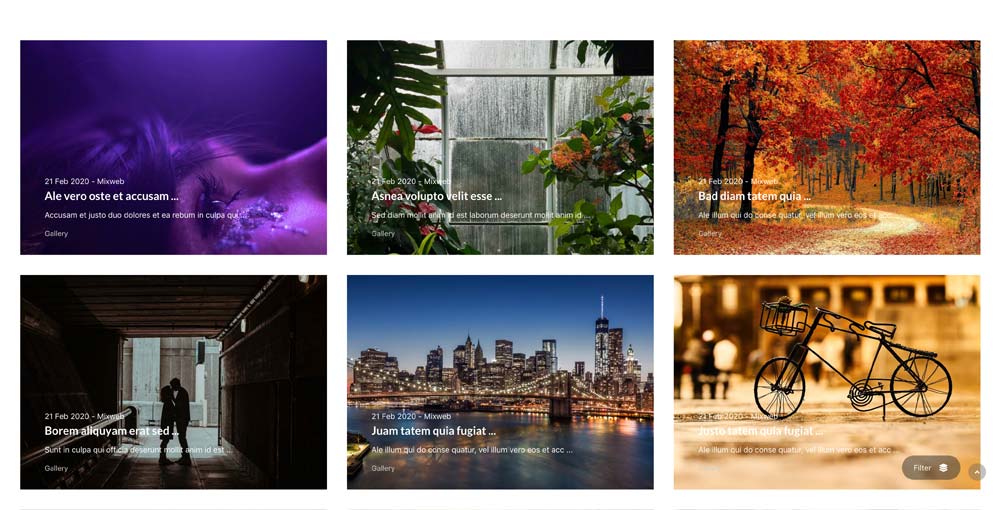
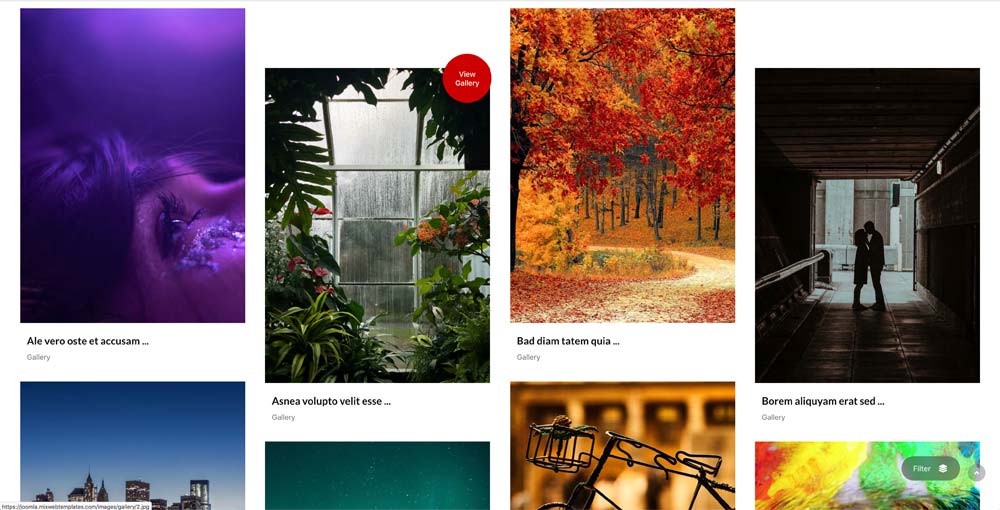
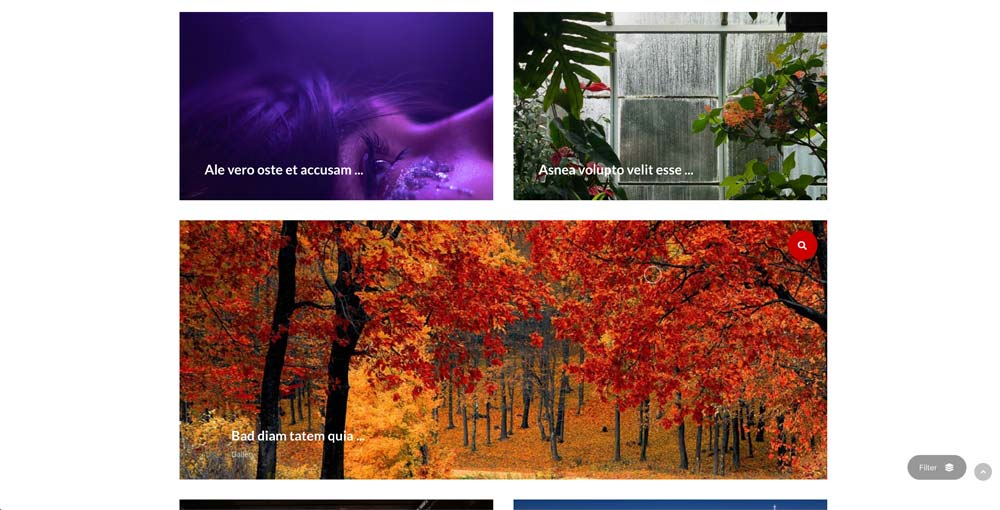
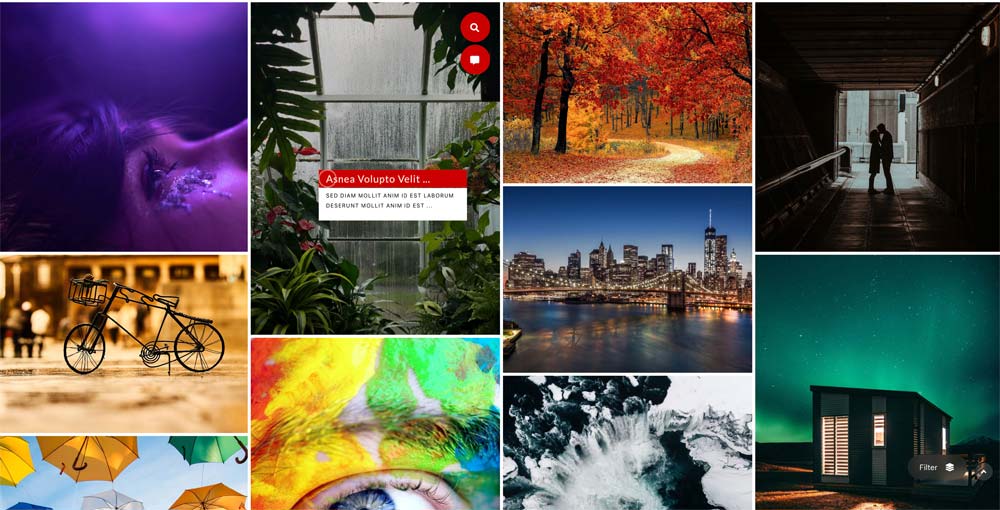
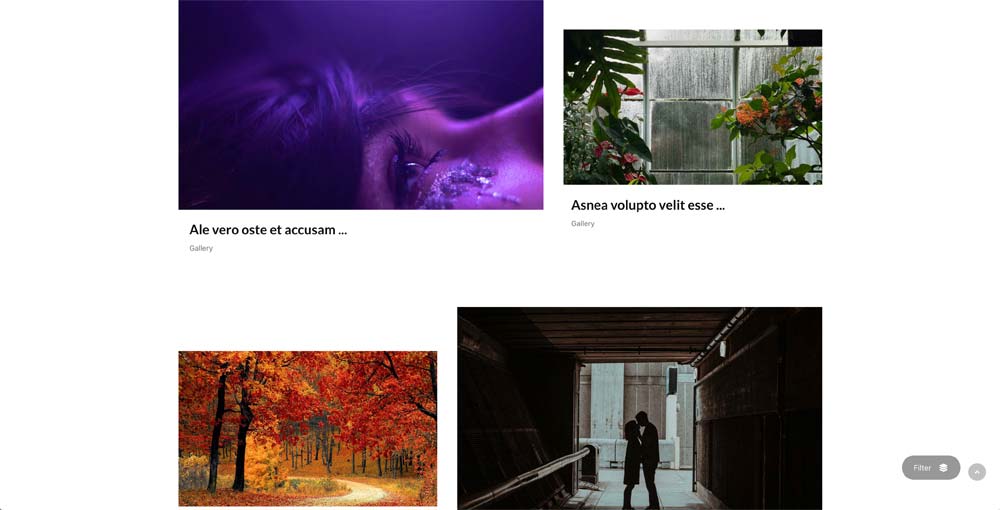
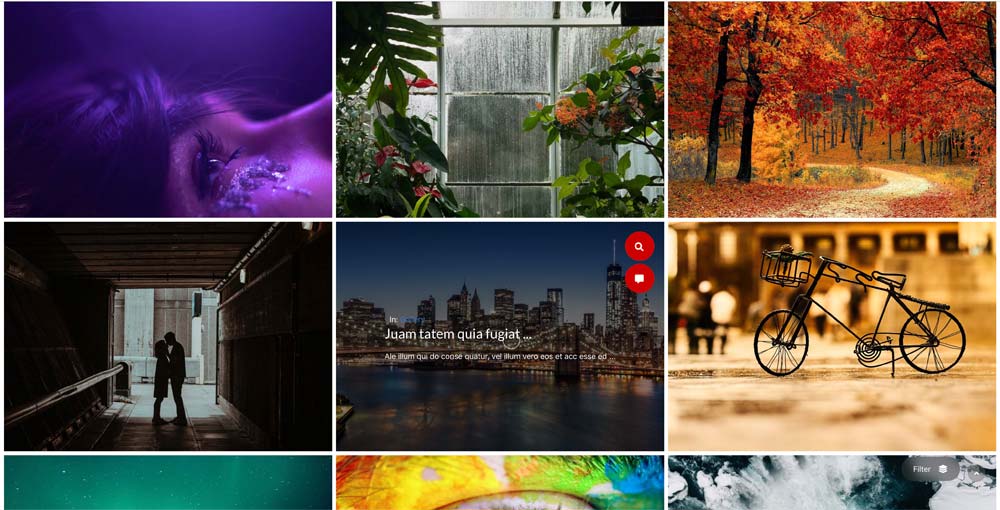

Filters (grid layouts)
- Filter style - popup / classic
- Category filters
- Tag filters
- Show All button
Data Source:
Articles
- Select Category
- Child Category Articles - Include / Exclude
- Category Depth
- Tag selection
- Featured Articles - Only / Hide / Show
- Article Field to Order By - Article Manager Order / Featured Articles Order / Hits / Title / Id / Alias / Created Date / Modified Date / Start Publishing Date / Finish Publishing Date
- Ordering Direction - Descending / Ascending
- Count
- Load more button
- Text for the load more button
- Open Link - New Window / Same Window / Popup window
- Article Custom fields - Yes / No
- Category Title - Yes / No
- Item Title - Yes / No
- Title Max length
- Description display - Yes / No
- Description Max length
- Date display - Yes / No
- Date format
- Show Read More
- Images settings
- From Image Intro - Yes / No
- From Image Full text - Yes / No
- From Inline Intro text - Yes / No
- From Inline Full text - Yes / No
- Order to Get
- Resize Mode
- Image Width
- Image Height
Custom Items
- Type - Image / video / Youtube / Vimeo
- Filter Name
- Title
- Info
- Read More Link
- Open link in new widow - Yes / No
Folder
- Select a Folder of image directory
- Image Title - Show / Hide
Translations
- All button text
- Filter text
- Close text
- Open text
- Read more text
- View Gallery text

Style settings
- Layout - Isotope with six styles / Classic with six styles / Grid Classic / Grid Portrait / Grid Modern / Grid Creative / Slider / List / List v2 / Split / Split v2 / Interactive
- Page title
- Page info
- Columns ( Classic and Portrait) - one / two / three / four / five / six
- For Classic and Portrait has options: Double 1 & 8, Double 1 + 9 Tall, Double 1 + 8 wide, Double 1 & 4 & 9, Wide Start, Tall Start, Wide Mix, Wide Blocks, Tall Blocks
- Custom Color
- Items space - None / Space One / Space Two / Space Three
- Show animated cursor - Yes / No
- Font awesome - Font awesome 5 / No
- Load Scrips - Yes / No
- Load JQuery - Yes / No
- Custom CSS

Gallery Settings:
- Transition Type - fade/slide
- Loop ( Yes / No )
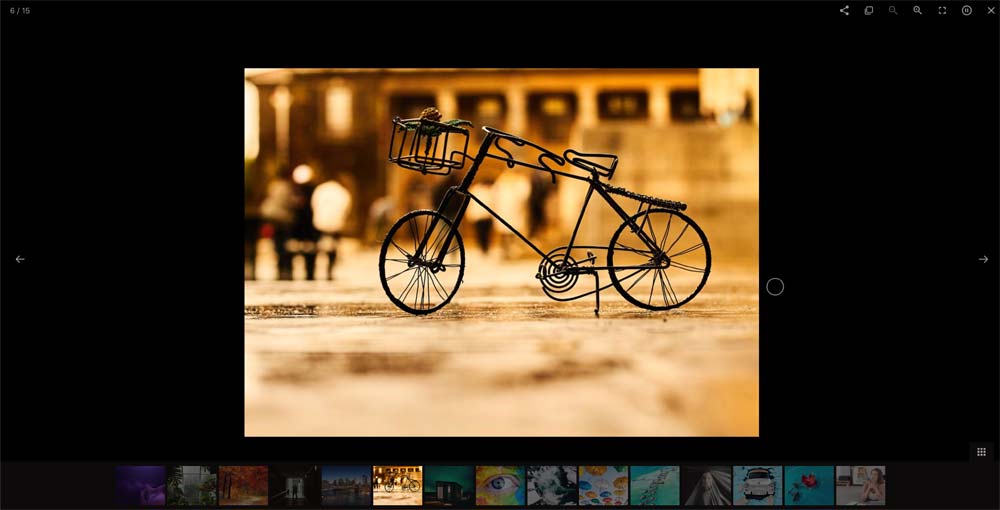
- Download button ( Show / Hide )
- Thumbnail ( Show / Hide )
- Thumbnails by default ( Show / Hide )
- Auto-play ( Yes / No )
- Autoplay controls( Show / Hide )
- Time between transition ( your choice )
- Transition duration ( your choice )
- Full-screen ( Show / Hide )
- Zoom ( Show / Hide )
- Mousewheel ( Yes / No )
- Share ( Show / Hide )


Grid Classic
Grid Portrait


Grid Modern
Grid Creative in two versions


List Style
List v2


Split
Split v2


Interactive
Classic Filter

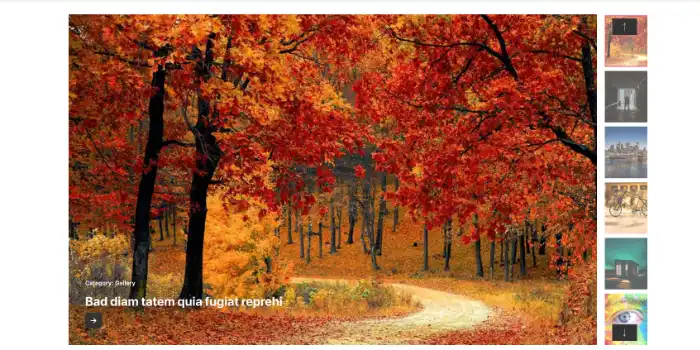
Download include: Elegant Gallery module.