
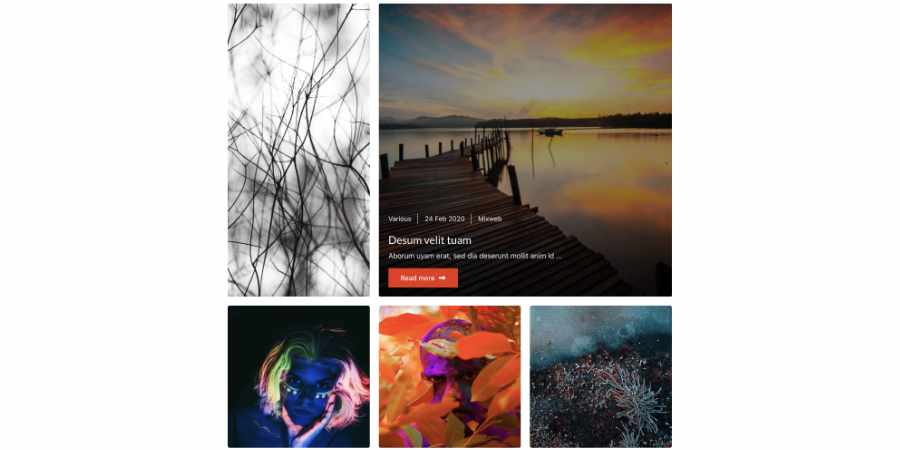
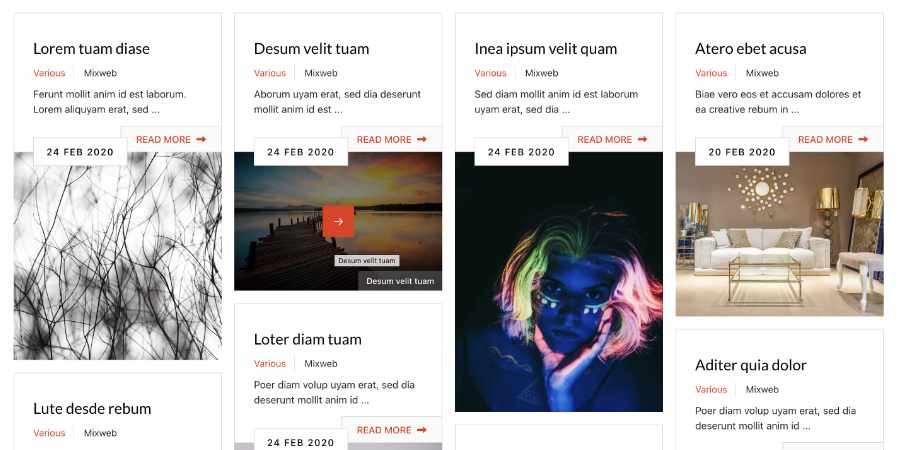
Content Portfolio is a Joomla module that displays Joomla Content articles as a responsive filtered portfolio grid. It can show article images, titles, text info, metadata, tags, date, category and tag filters.
Load More Ajax button is available to load more articles in the same page, till the last article which is on the categories selected in the module settings.


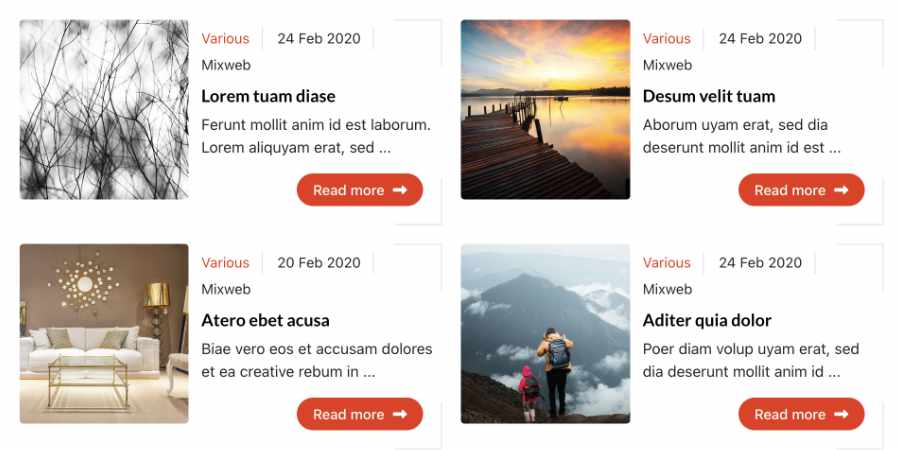
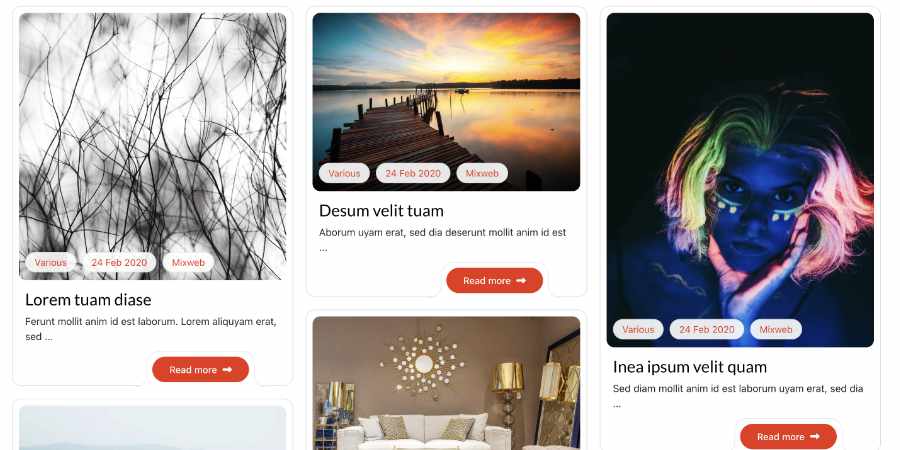
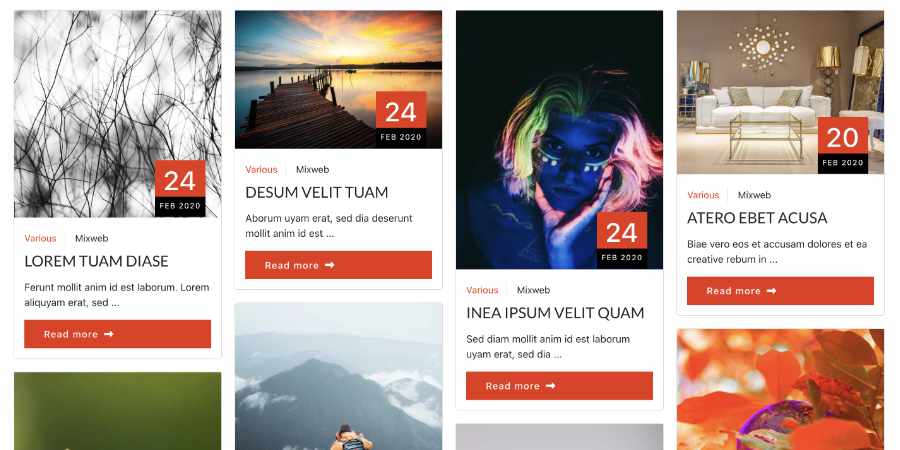
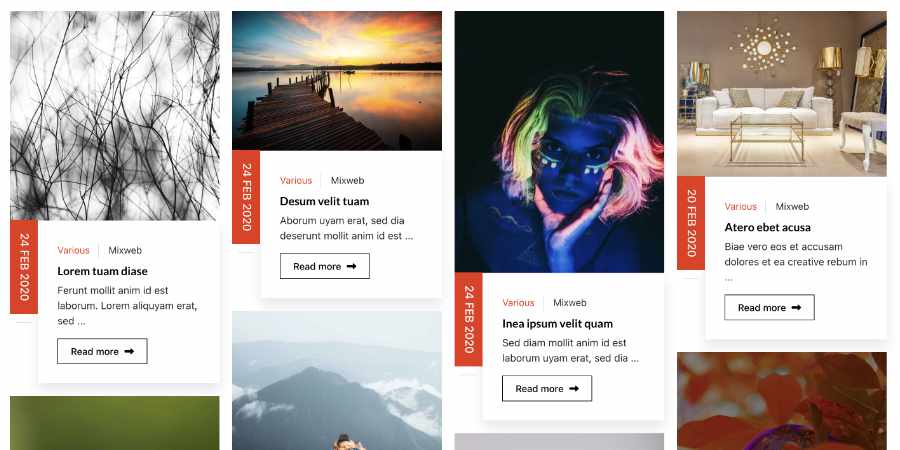

General Settings
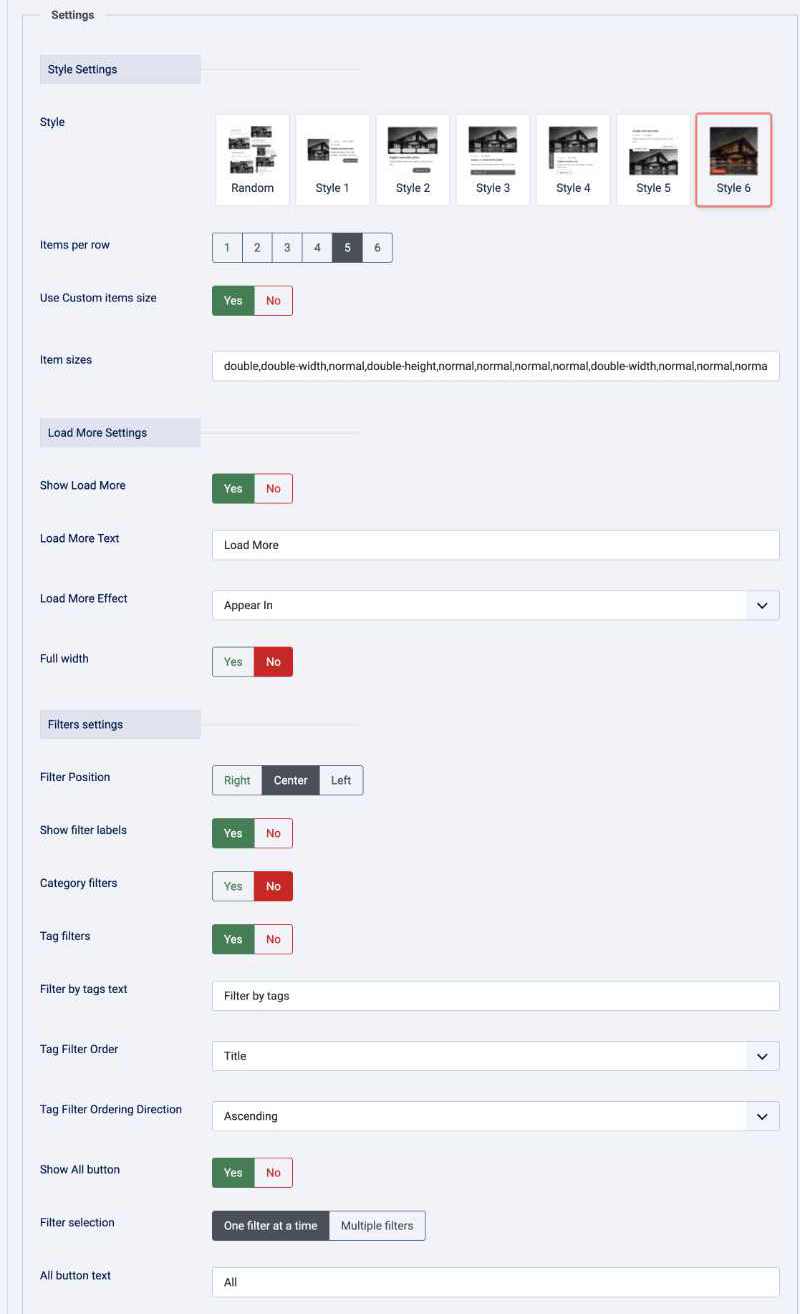
- Style -
Random: randomly selects one of the available styles /Style 1throughStyle 6: use a specific portfolio style. - Items per row - Sets the number of portfolio items displayed in each row. Available values are
- Use Custom items size -
Yes: apply the configured item-size pattern /No: use the normal item size for all items. - Item sizes -
normal: one column and one row. /double: two columns and two rows. /double-width: two columns and one row. /double-height: one column and two rows.
Example:
double,normal,double-height,normal,normal,double-widthThe pattern is applied in order and repeats for subsequent items loaded with Load More. double-width and double-height are intended for Style 6. The default pattern contains 16 entries.
- Show Load More -
Yes: allow visitors to request more articles. /No: display only the initial result set. - Load More Text - Sets the text displayed on the button.
- Load More Effect -
Appear In/Simple Fade/Fade In Up/Fade In Down/Zoom In/Bounce In/Flip In/Light Speed In Left/Rotate In Down Left/Jack in box/None - Full width -
Yes: display the portfolio at full viewport width, regardless of the template container /No: use the width provided by the template layout. - Filter Position -
Right/Center/Left - Show filter labels -
Yes: show the category and tag filter labels. /No: hide those labels. - Category filters -
Yes: show filters for the categories represented by the module's article results. /No: hide category filters. - Filter by category text - Sets the label shown for category filters.
- Tag filters -
Yes: show filters for tags represented by the module's article results. /No: hide tag filters. - Filter by tags text - Sets the label shown for tag filters.
- Tag Filter Order -
Backend Order: the order configured in Joomla. /Title: alphabetical title order. - Tag Filter Ordering Direction -
Ascending /Descending - Show All button -
Yes: display the All link. /No: hide the All link. - Filter selection -
One filter at a time: selecting another filter replaces the current selection. /Multiple filters: visitors can select several filters at once.
Multiple filter matching
Visible when Filter selection is set to Multiple filters. Controls how selected filters are combined:
All selected tags (AND): an article must match every selected filter.Any selected tag (OR): an article must match at least one selected filter.

Data Source:
Articles
- Select Category
- Child Category Articles
- Category Depth
- Tag Filter
- Featured Articles
- Article Field to Order By
- Ordering Direction
- Count
- Open Link - New Window / Same Window / Popup window
- Article custom fields - Yes / No
- Category Title - Yes / No
- Item Title - Yes / No
- Title Max length
- Description display - Yes / No
- Description Max length
- Date display - Yes / No
- Date format - Yes / No
- Show Read More - Yes / No
- Images settings
- From Image Intro - Yes / No
- From Image Full text - Yes / No
- From Inline Intro text - Yes / No
- From Inline Full text - Yes / No
- Order to Get
- Resize Mode
- Image Width
- Image Height









Download include: Content Portfolio Module.